vx
An offline dictation tool for macOS weighing in at 71mb.
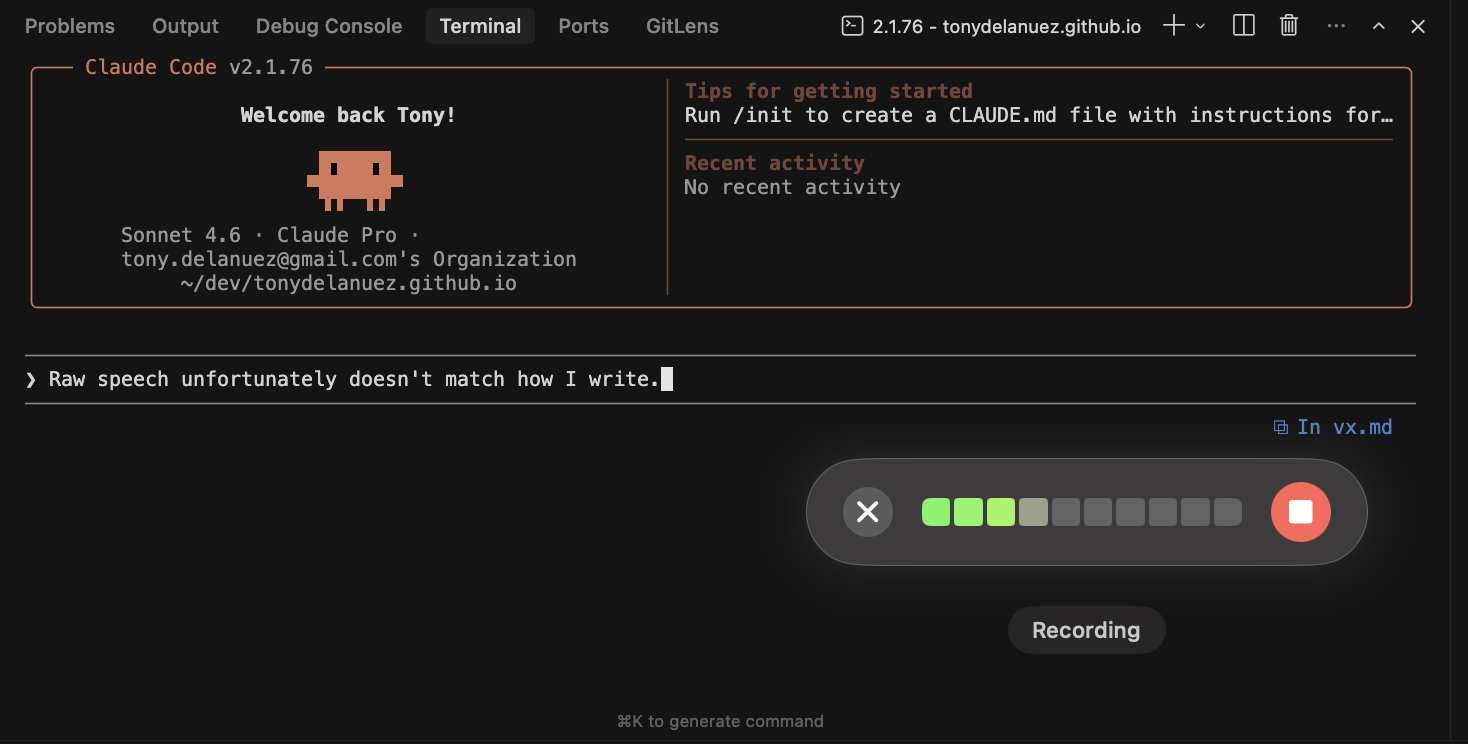
While working it’s felt like a lot of the lag in my workflows has been due to typing. Even after optimizing my keyboard setup, the ability for my fingers to keep up with my brain was slowing me down.
I looked into voice to text tools, but all the popular ones at the time sent data over the wire, which wasn’t really an option. So I built one that didn’t.
All I needed was press a key, speak, release. Words appear where the cursor is. Nothing leaves the machine.
That was the whole idea. My buddy Eric kept poking at it and giving feedback, which eventually made it less bad.
Now it’s at a spot where I’m comfortable putting in front of other people.
how it works
vx has two pieces and runs as a status bar application.
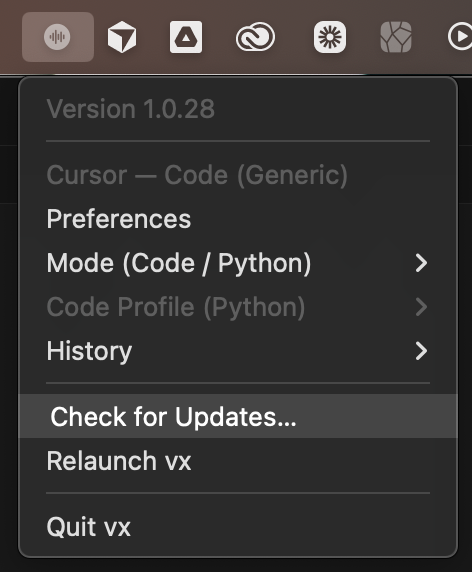
vx-rs is a Rust binary that does the actual transcription. It reads an audio stream, runs Whisper locally (usually ggml-tiny.en or small.en), and returns plain text.
vx is the macOS app in Swift. It listens for the hotkey, captures mic input, hands audio off to the binary, and pastes whatever comes back into the focused field.
The Swift app launches vx-rs as a subprocess and streams* audio to it, transcribed text comes out.
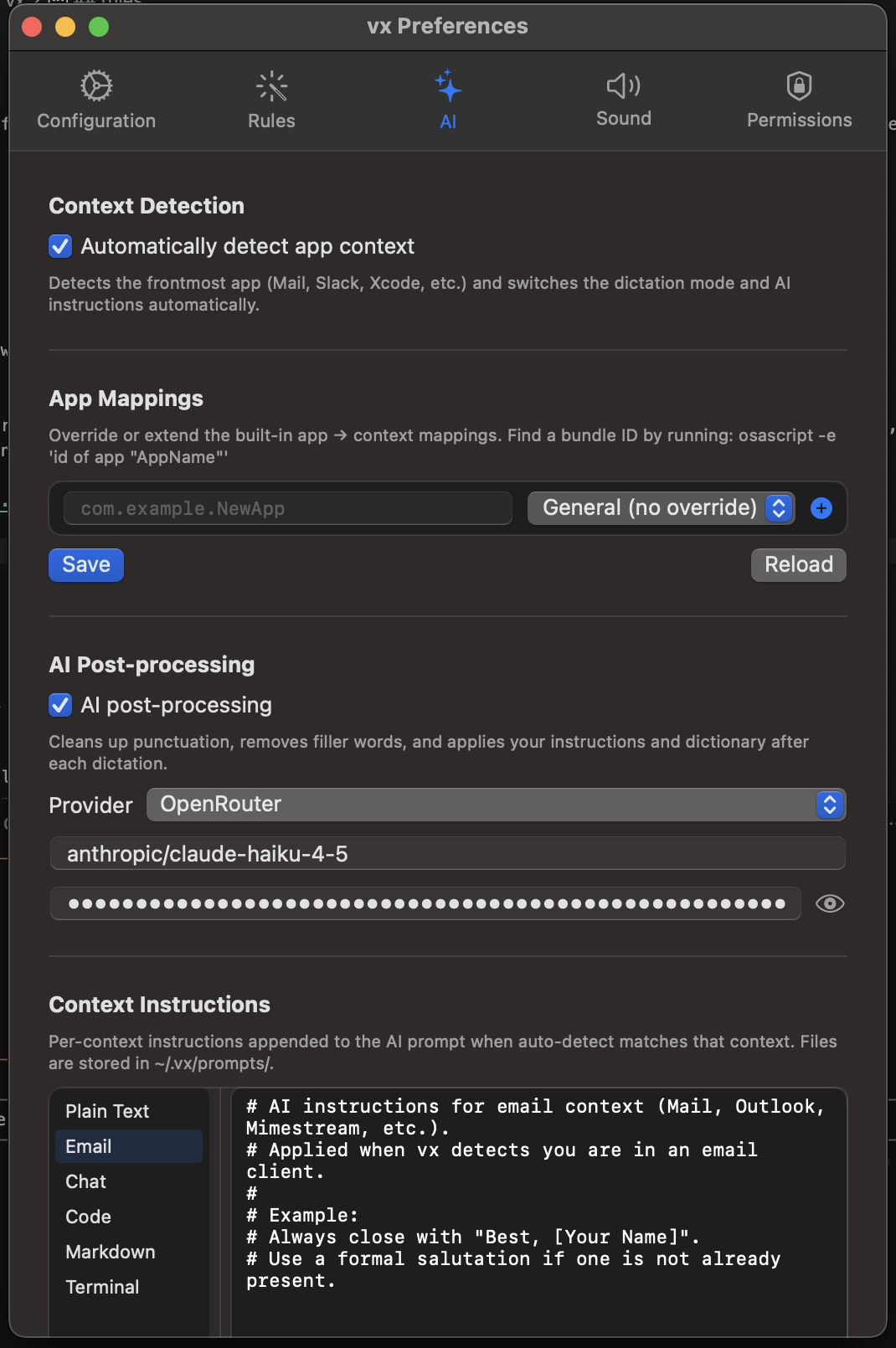
vx has optional AI post-processing that’ll fix up grammatical errors or fix up your speech to match an application context, but more on that later.
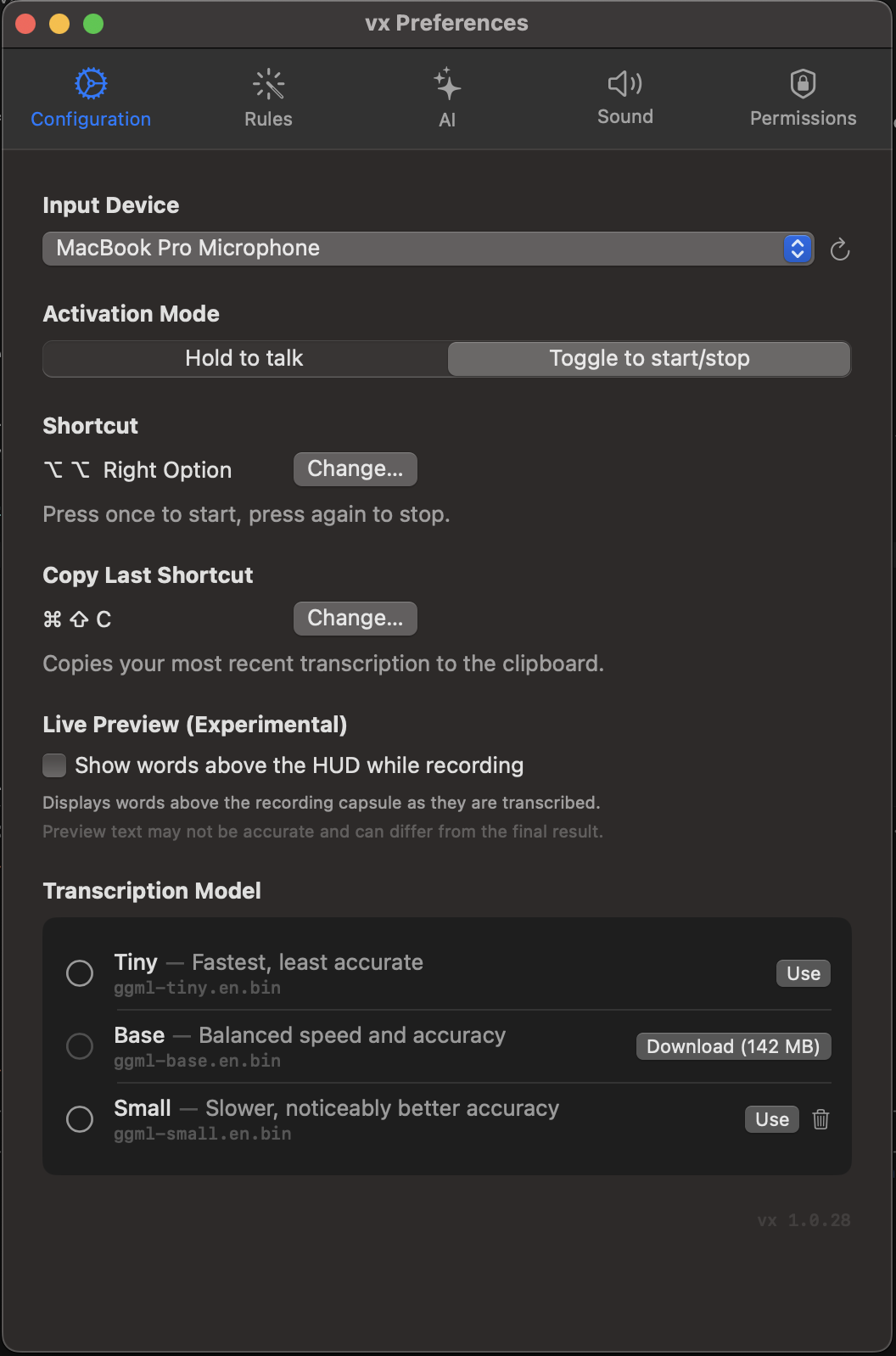
Until recently I was recording audio and then transcribing the recorded audio, but that proved to be pretty poor for performance with larger transcriptions.
rules
Raw speech unfortunately doesn’t match how I write. “be right back” instead of “brb”, “kubectl” the word sounds nothing like how it’s spelled.
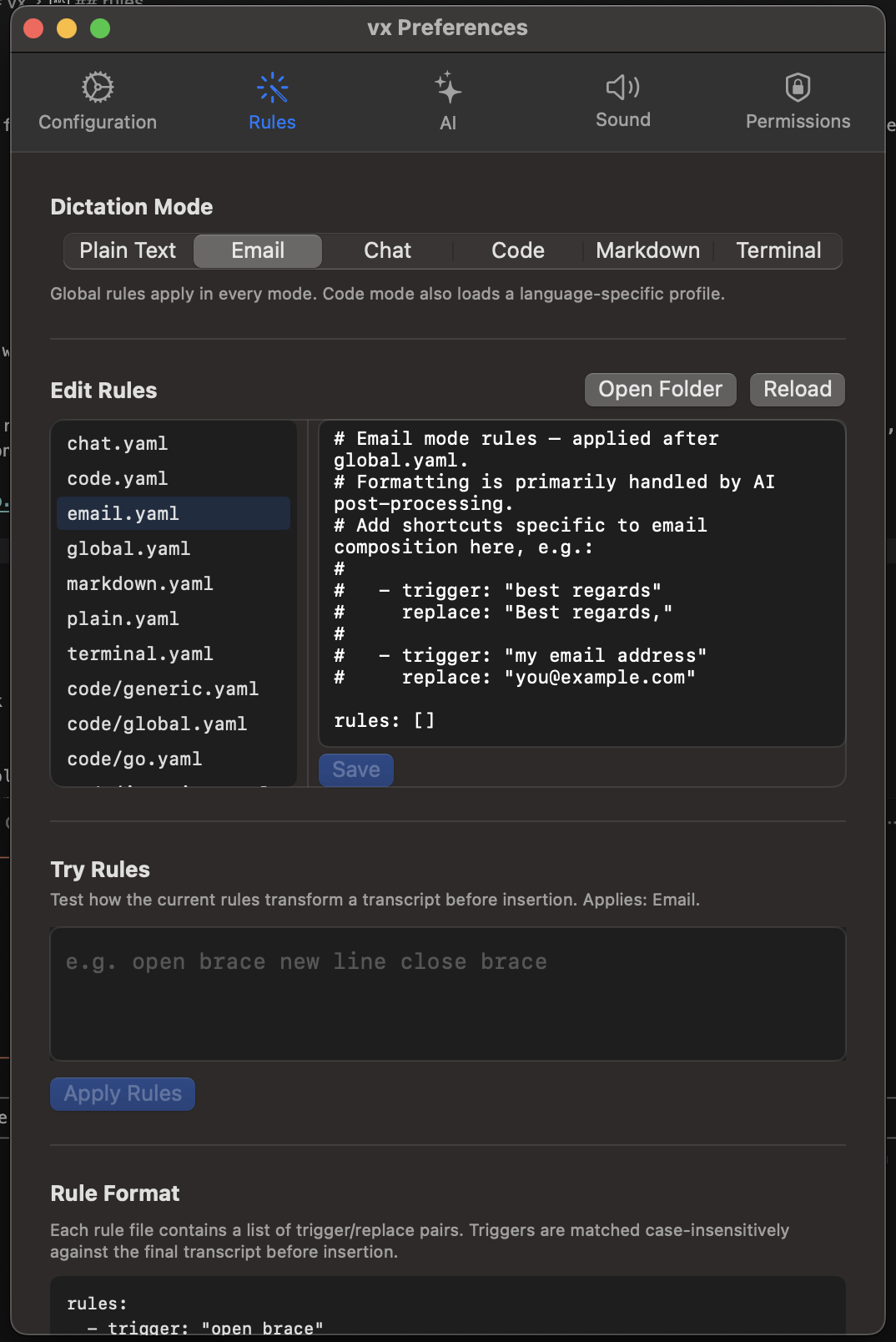
vx runs transcription output through a small rule system defined in YAML. Abbreviation expansion, phrase rewrites, regex replacements, punctuation cleanup. I keep a personal dictionary for programming terms and internal jargon.
I keep my vx rules in a repo and treat them like most would treat dotfiles (though I’ve abandoned my dotfiles).
contexts
I realized different apps need different output. I speak differently in Claude Code than in Discord and in an email. Shitposty everywhere, but typically better grammar in an email.
vx picks rule sets based on the frontmost application. Terminal/Claude Code contexts expand CLI shorthand. Chat contexts strip filler words. Email contexts clean up phrasing and enforce punctuation.
Mostly this just means I don’t have to think about it and speak naturally. vx luckily doesn’t capture my constant “uhhh” filler or “like"s.
how I use it
Most RFCs and design docs I write start as speech now. When doing development I’m typically talking with Claude Code rather than typing. It makes work feel more fluid, like I’m working with a coworker. It’s also slowly improving the way I put together thoughts via voice.
I still edit everything but speech does the first pass and gets my ideas onto “paper”. Typing and manual fixes handles cleanup.
requirements
- macOS 13+
- Apple Silicon recommended
vx is something I built for myself and use every day. If it’s useful to you, great. If you want to say thanks, donations are appreciated.